Latency Budgeting for AI Features (Where the Time Goes and How to Cut It)
— A latency budgeting framework for AI features that breaks down where time goes across model, retrieval, and orchestration layers.
TL;DR
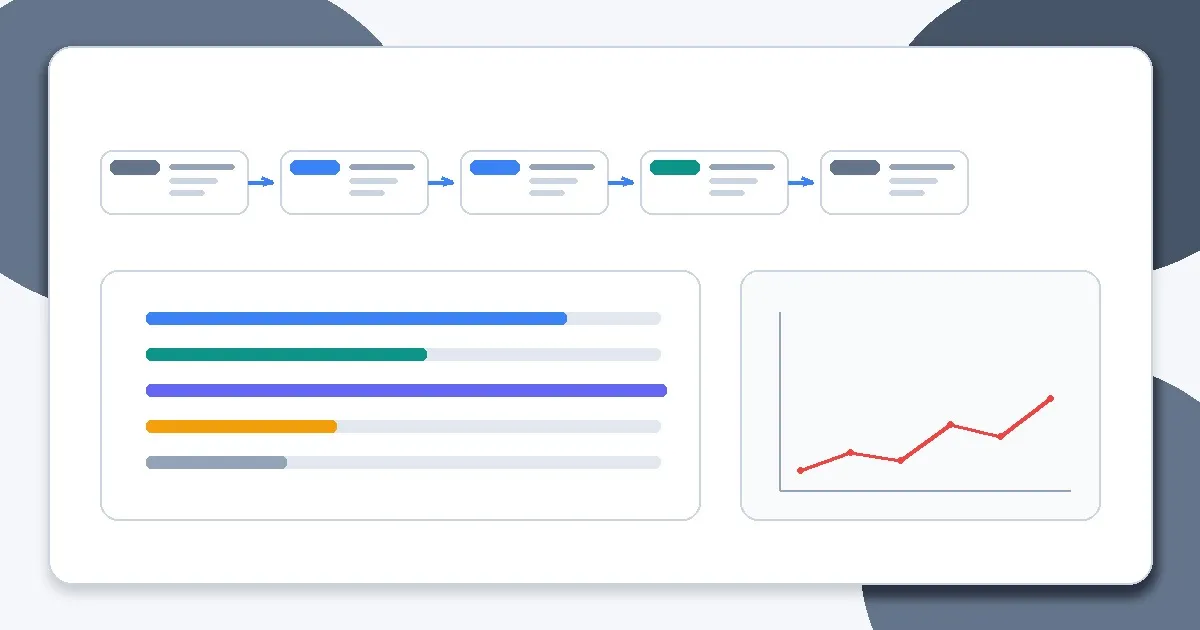
A latency budgeting framework for AI features that breaks down where time goes across model, retrieval, and orchestration layers.
Users experience AI features as a workflow, not a model benchmark. Latency budgeting lets engineering allocate time across retrieval, inference, tools, and application logic instead of tuning one step blindly.
This topic connects directly to your existing foundations and reliability framing, especially How LLMs Actually Work, Why Models Hallucinate, and Why AI Demos Scale Poorly Into Real Systems.
Why This Matters in Production
Most AI failures in production are not caused by one bad model response. They come from system design choices: unclear requirements, weak evaluation, poor observability, missing guardrails, and rollout practices that assume demos predict real usage.
A useful engineering article on this topic should help teams make better decisions under constraints. That means defining scope, measuring outcomes, and making trade-offs explicit instead of relying on intuition alone.
When To Use This Approach
- Users are complaining about slow responses or timeouts.
- You are designing a new AI feature with a strict UX latency target.
- You need to compare architecture choices (single call vs multi-step, retrieval depth, tool usage).
When Not To Use It (Yet)
- You optimize p50 latency while ignoring p95/p99 and timeout behavior.
- You benchmark models in isolation and assume app latency will match.
- You cut validation and safeguards to hit latency targets without understanding risk impact.
Common Failure Modes
1. No latency target by use case
The team wants “faster” but has no UX target or timeout threshold.
2. Only model latency is measured
Retrieval, orchestration, validation, and network costs are ignored.
3. Variable context size is unmanaged
Latency spikes occur when prompt and retrieval payloads grow unpredictably.
4. Retries hide root causes
Timeout retries improve apparent success rate while worsening p95 and system load.
Implementation Workflow
Step 1: Define user-facing latency budget
Set p50 and p95 targets by interaction type, plus timeout/fallback behavior.
Step 2: Break the budget into stages
Allocate time to request parsing, retrieval, model call(s), validation, tools, and response formatting.
Step 3: Instrument stage timings
Use traces and structured logs to measure actual stage costs in production-like conditions.
Step 4: Prioritize largest contributors
Improve the stage that consumes the most budget first; avoid micro-optimizing minor steps.
Step 5: Control variability
Cap retrieval fan-out, output length, and retries so tail latency is bounded.
Step 6: Validate UX impact
Measure whether latency improvements preserve task success, grounding, and reliability.
Metrics, Checks, and Guardrails
Checks
- Latency targets are defined by user workflow, not only infra benchmarks.
- Stage-level timings exist for the AI pipeline.
- Retry and timeout policies are explicit and capped.
- Latency improvements are evaluated against quality regressions.
Metrics
- p50/p95 latency by route - Core UX performance metric; segment by feature and request type.
- Time spent by pipeline stage - Guides optimization priority and architecture changes.
- Timeout rate and retry rate - Tail-latency control metrics.
- Task success at target latency - Prevents speed gains from hiding quality loss.
Production Trade-offs
- Latency vs answer quality - Smaller contexts and fewer steps can speed responses but reduce grounding or completeness.
- Parallelism vs cost/complexity - Parallel retrieval or tool calls can reduce latency while raising infrastructure cost and orchestration complexity.
- Strict timeouts vs completion rate - Aggressive timeouts improve UX predictability but can increase fallbacks or partial responses.
Example Scenario
An AI support feature blamed model speed for slow responses. Tracing showed retrieval re-ranking and post-validation consumed more time than inference. Rebalancing the latency budget fixed p95 without changing the model.
How This Fits Your Existing Content Graph
Use this post to bridge your current strengths in prompting and RAG to newer paths such as evaluation, LLMOps, security, and cost/performance. In practice, readers should move between Prompt Structure Patterns for Production, Output Control with JSON and Schemas, Retrieval Is the Hard Part, and Evaluating RAG Quality depending on where the failure occurs.
Related Context From This Site
These links are directly relevant to this topic and help connect it to your existing foundations, prompting, RAG, and news coverage.
- How LLMs Actually Work: Tokens, Context, and Probability
- Chunking Strategies That Actually Work
- Retrieval Is the Hard Part
- Choosing the Right Model for the Job
- The Intelligence Infrastructure Era: 7 Surprising Takeaways from the AI Frontier
- Chunking Is Still the #1 Bottleneck in RAG
Read Next
Continue learning
Next in this path
Agents vs Workflows: A Decision Framework for Engineers (Use Cases, Failure Modes, Escalation Paths)
A decision framework for when to use agents vs deterministic workflows, with failure modes and escalation paths for production systems.
Intentional links